FreeFlow guide · 03
Timer
Keep the clock useful and out of the way until you need it.
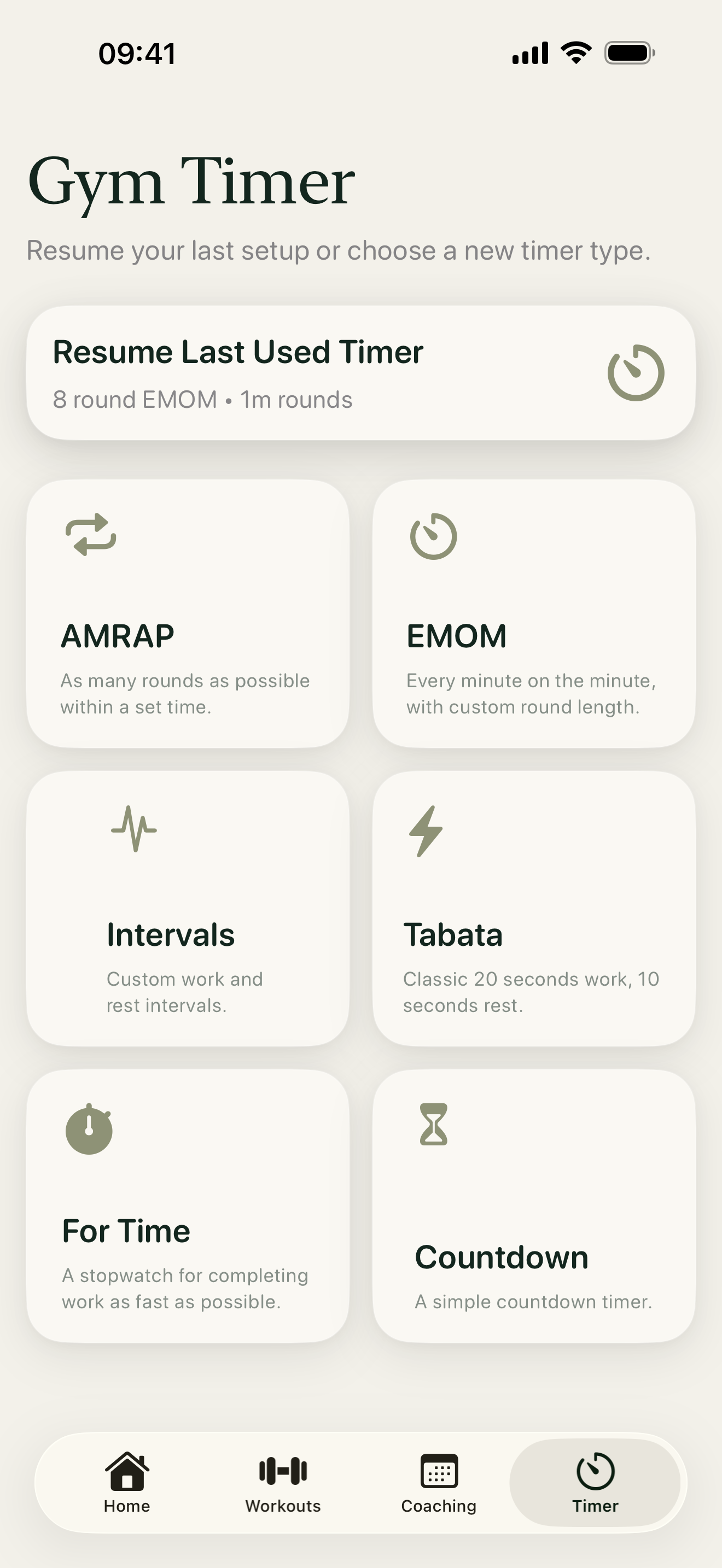
1. Pick a format
Open the Timer tab and choose AMRAP, EMOM, Intervals, Tabata, For Time or Countdown. Tap Resume Last Used Timer to return to your previous setup.
2. Set the details
On the next screen, adjust the time and rounds relevant to the format you chose. Start when you are ready, and use the running timer’s controls to pause or finish your effort.
3. Use timers within workouts
When a generated workout contains a timed section, tap its clock button to open the matching timer without leaving the workout. The timer starts in a compact sheet; expand it when you want a full-screen display. Rest timers, where relevant, live inside movement logging.